Settings
The Settings page is your control center for managing your account. From this page, you can perform two primary tasks: Update Profile and Change Password.
1. Update Profile
This feature allows you to keep your personal information accurate and up to date.
You can edit your profile by following the steps below:
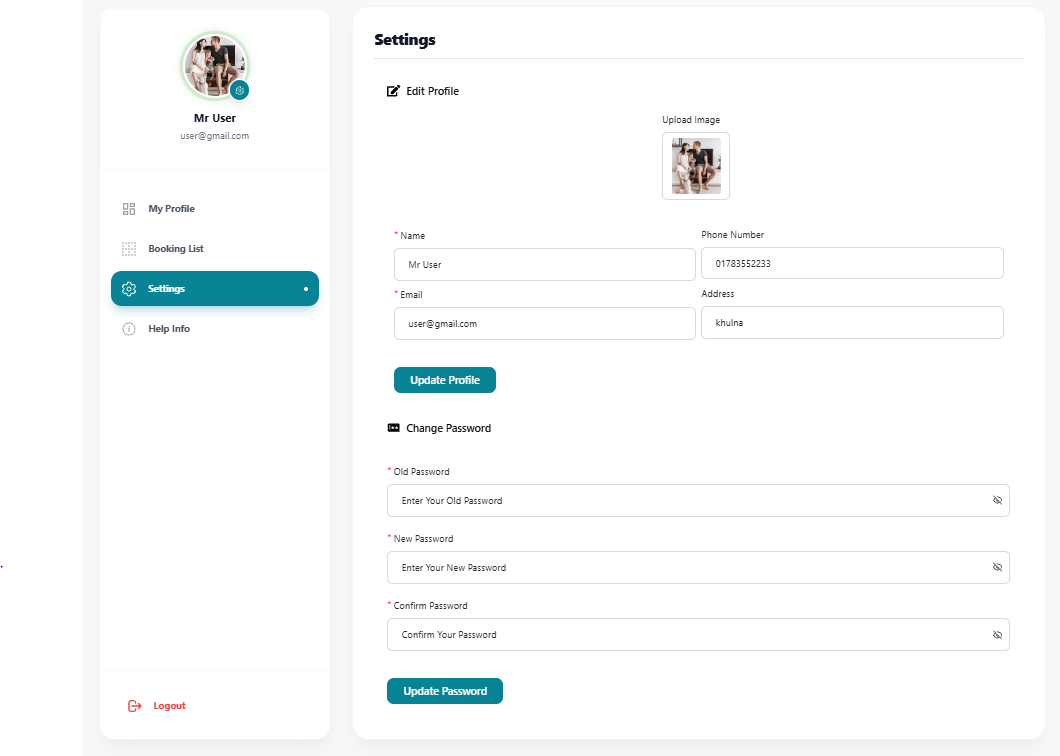
- Click the edit button marked below to open your profile settings.
Note
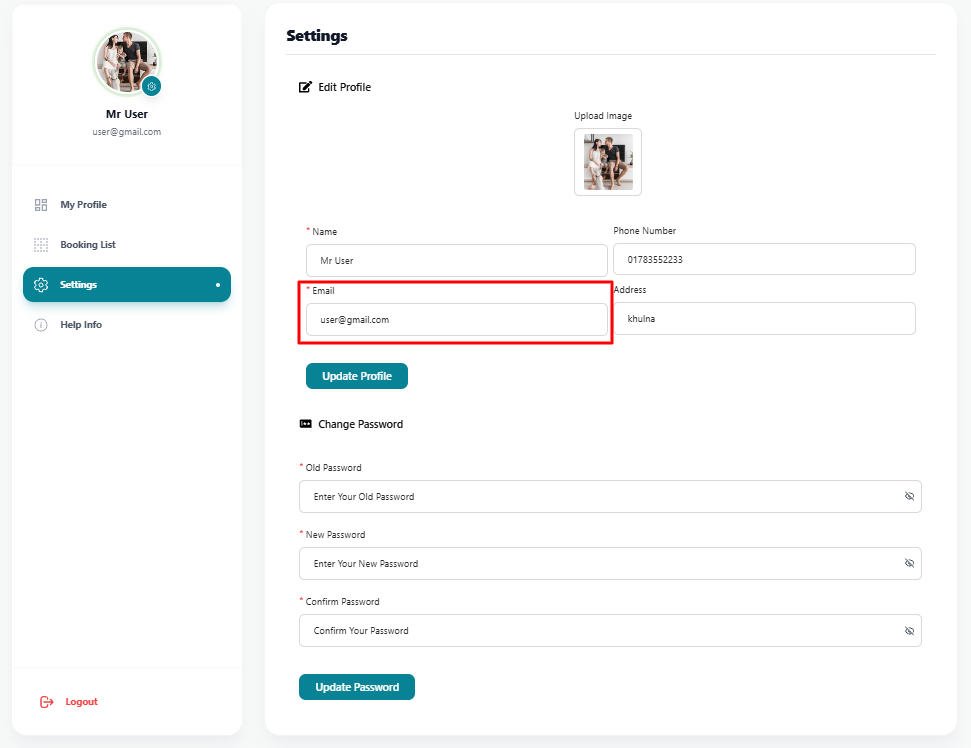
Users can't change their email for security reasons.
- After updating your necessary information (like name or phone number), click the Update button to save the changes.
- Upon successful update, you will receive a success message confirming your details have been saved.
2. Change Password
This feature allows you to update your password to keep your account secure.
To change your password, follow these simple steps:
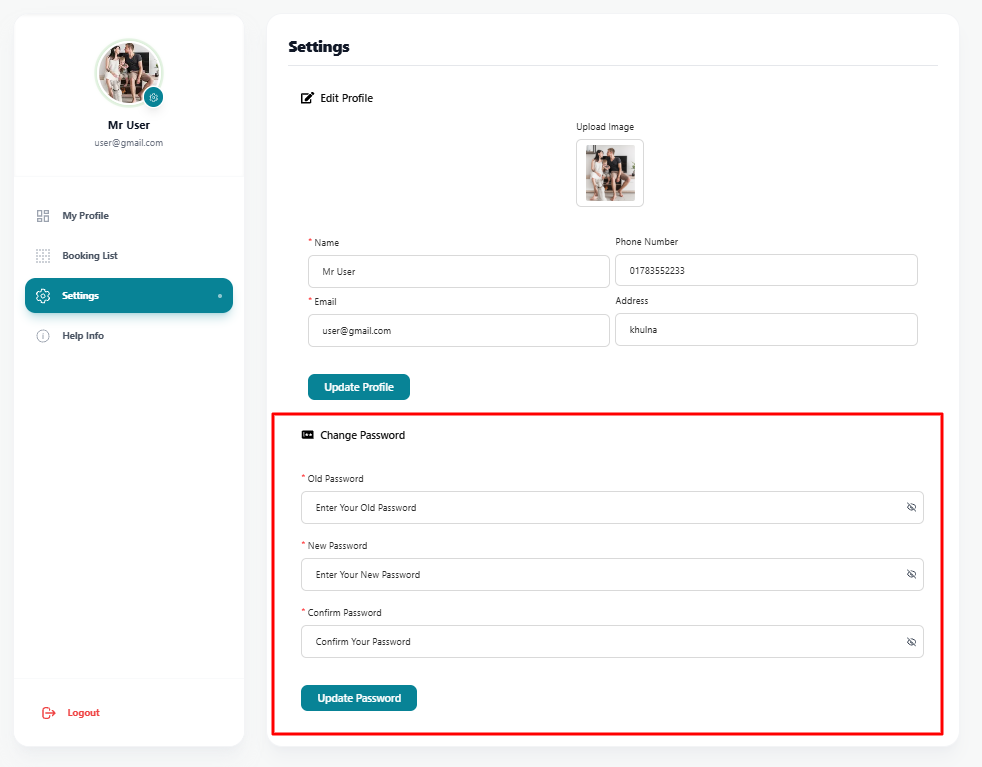
- Navigate to the Change Password section in the settings page.
- Enter your Current Password, then type your New Password and confirm it.
- Finally, click the Save Changes button to update your password.
- Once updated successfully, you will need to use the new password the next time you log in.