Profile Settings
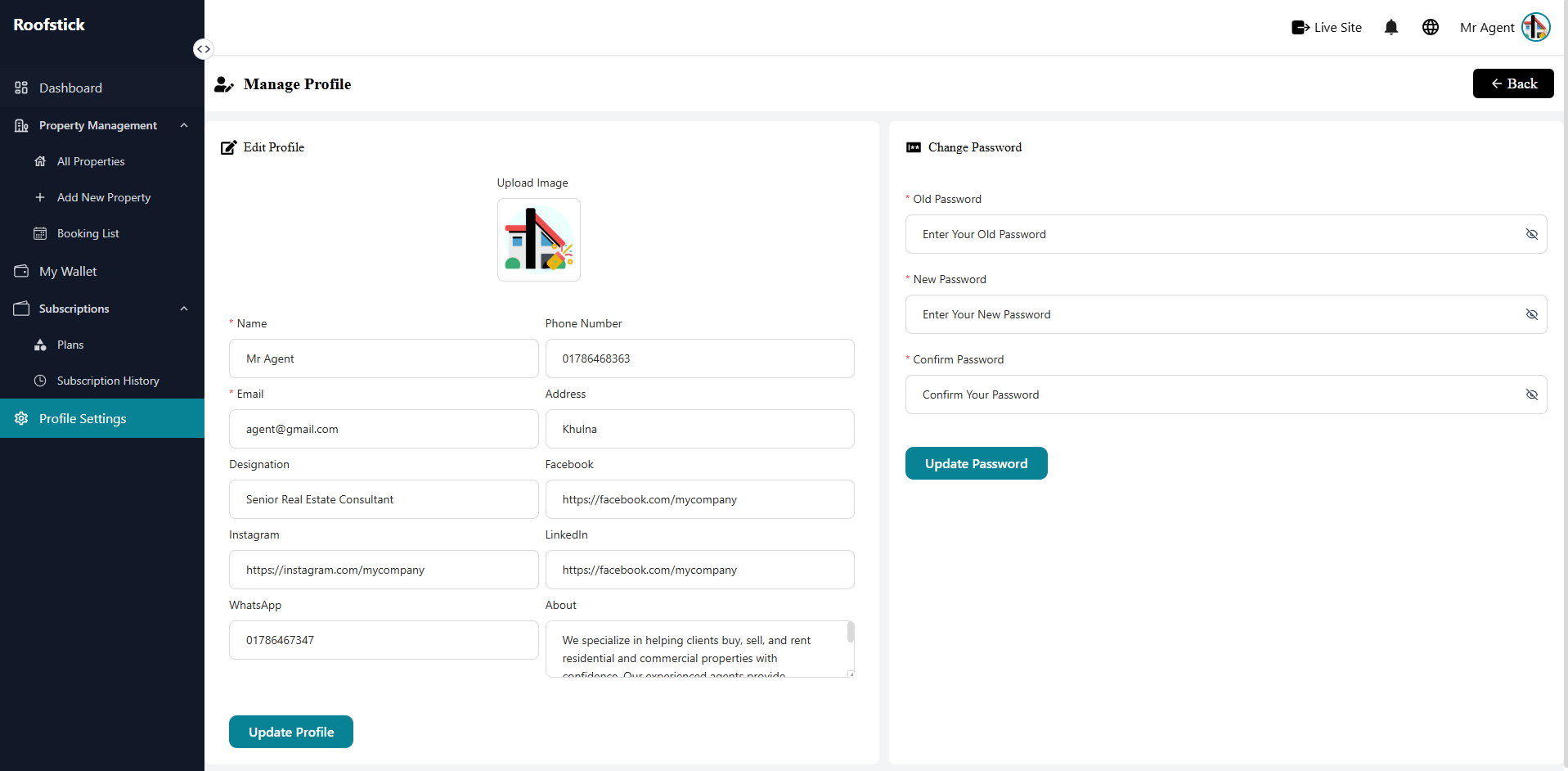
The Profile Settings page allows the agent to manage their personal information and account security. From this section, you can update your profile details and change your account password.
1. Profile Update
In this section, you can update your personal and professional information. This includes your name, email address, contact number, and profile picture. Keeping your profile up to date helps build trust with users and potential clients.
2. Change Password
To ensure the maximum security of your account, you can update your password from this section. You will need to provide your current password and then set a new, strong password to protect your account from unauthorized access.