My Wallet
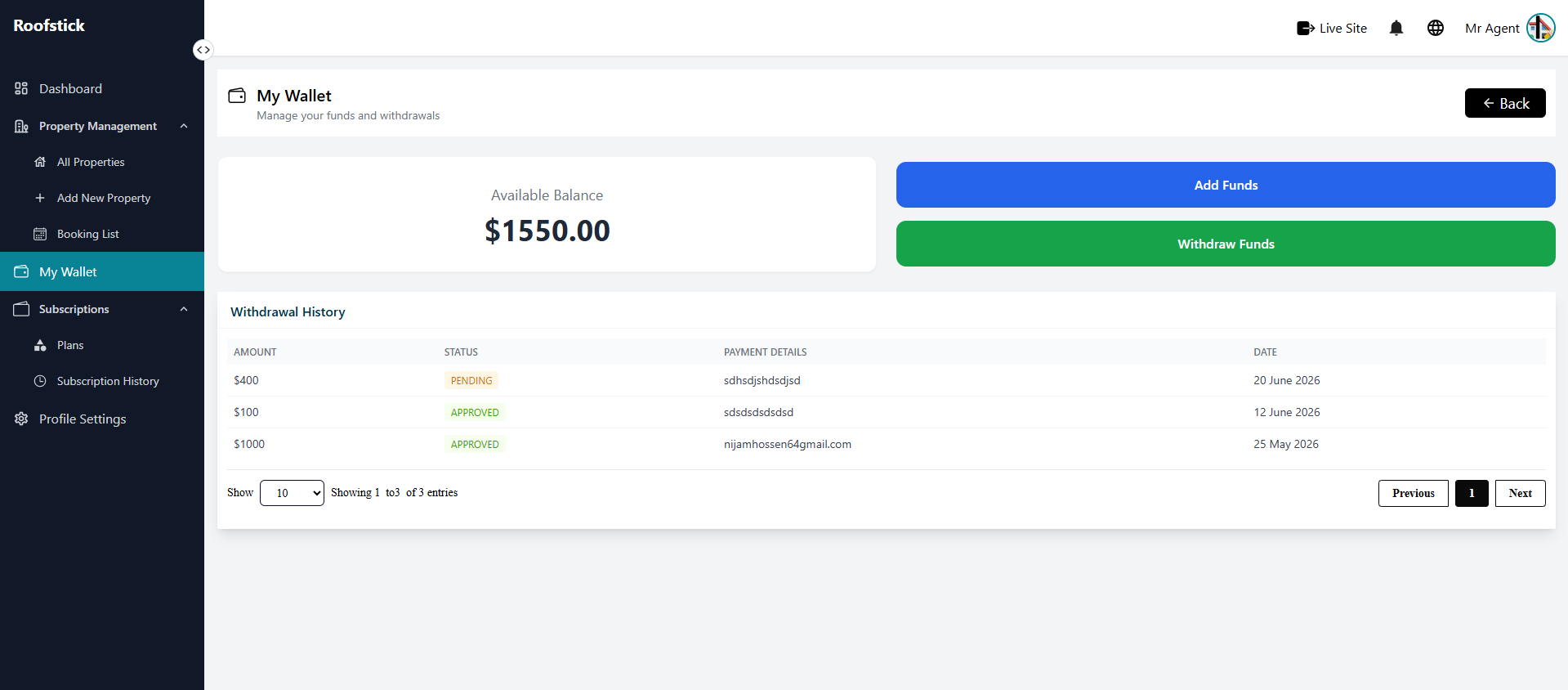
The My Wallet page allows the agent to manage their financial transactions, including viewing their current balance, adding funds, and withdrawing earnings.
1. View Wallet Balance
The main wallet dashboard displays your current balance and a history of your recent transactions. You can easily keep track of your income and expenses on the platform.
2. Add Funds
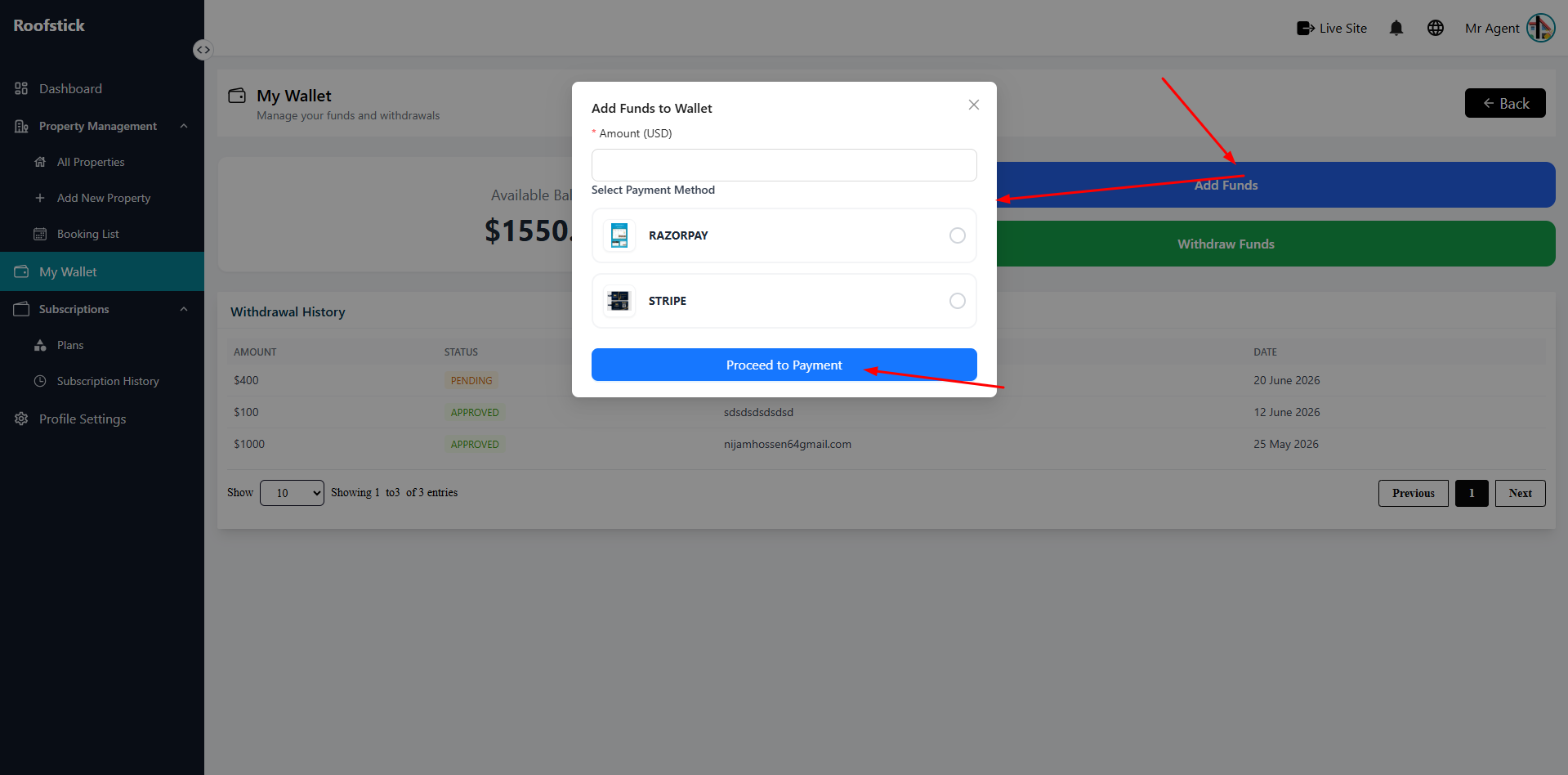
If you need to purchase a subscription or pay for platform services, you can add money to your wallet. Click on the Add Funds option and follow the payment instructions to recharge your account.
3. Withdraw Funds
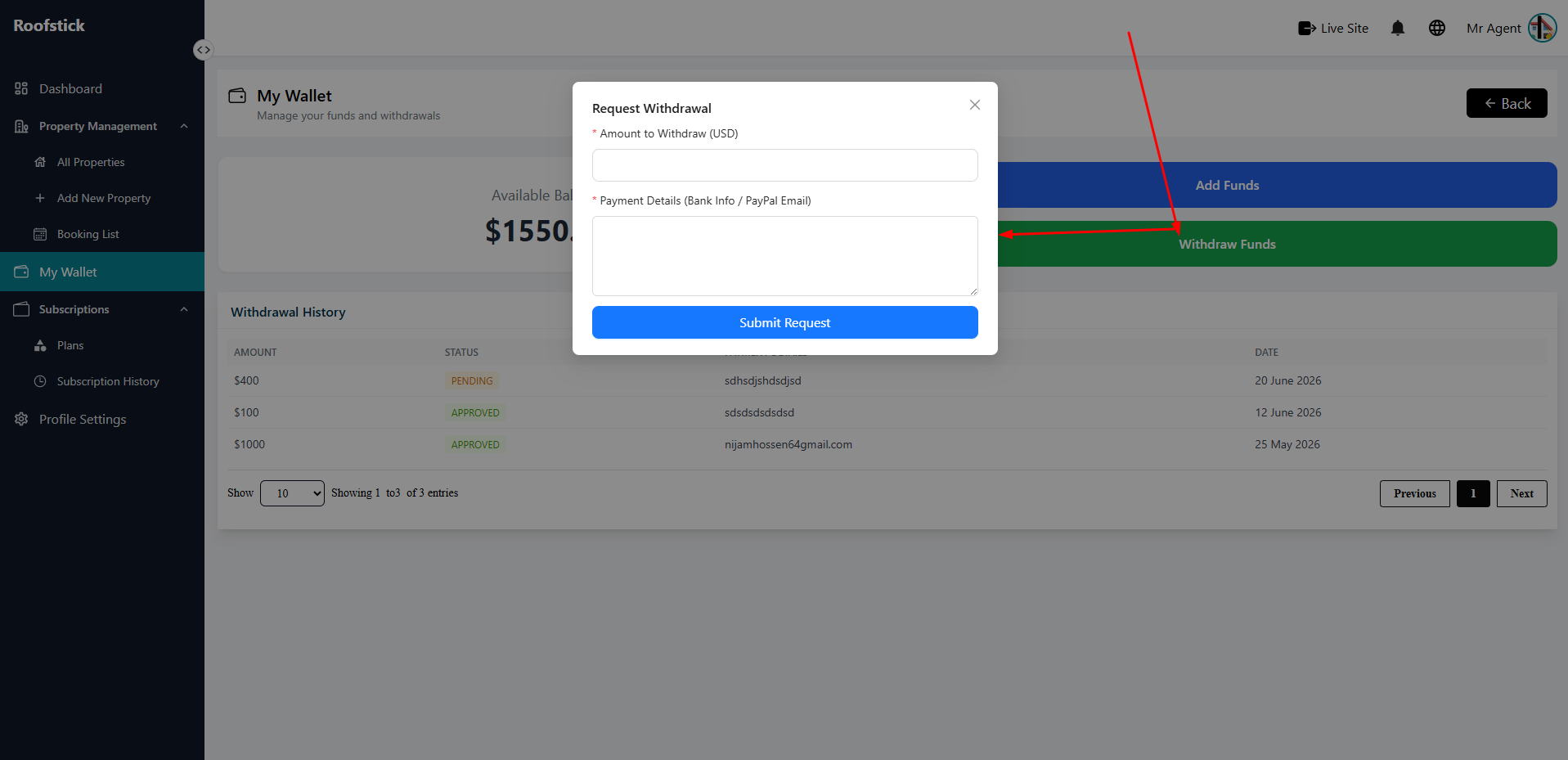
Once you have earned money from your property bookings, you can request to withdraw your funds. Click the Withdraw button and provide your preferred payment method details to receive your earnings.