All Properties
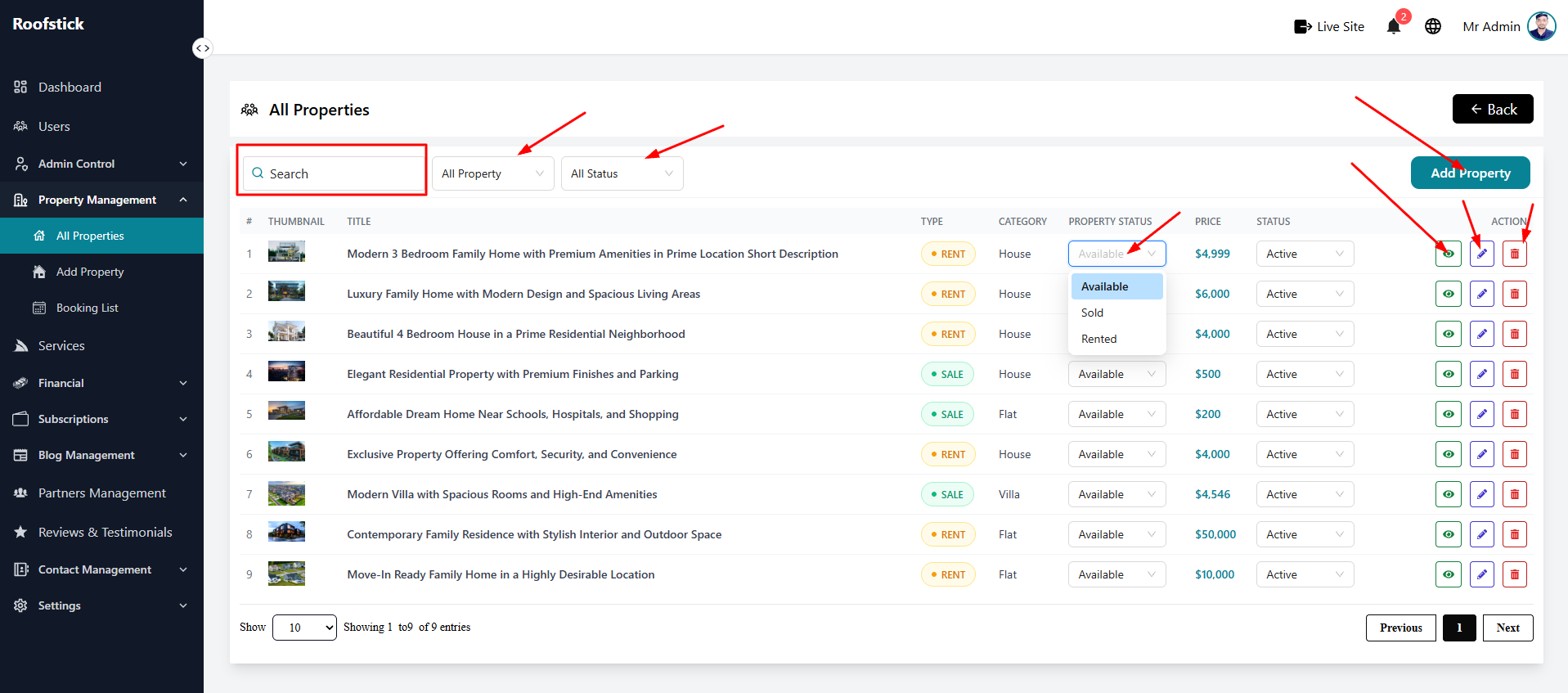
The All Properties page provides the agent with a centralized location to manage every real estate listing they have on the platform. From this page, you can view, edit, check the details, and delete your properties.
1. View All Properties
The main table displays a complete list of all your uploaded properties. You can quickly see the property name, location, price, and current status (e.g., Pending, Approved, Rejected).
2. Edit Property
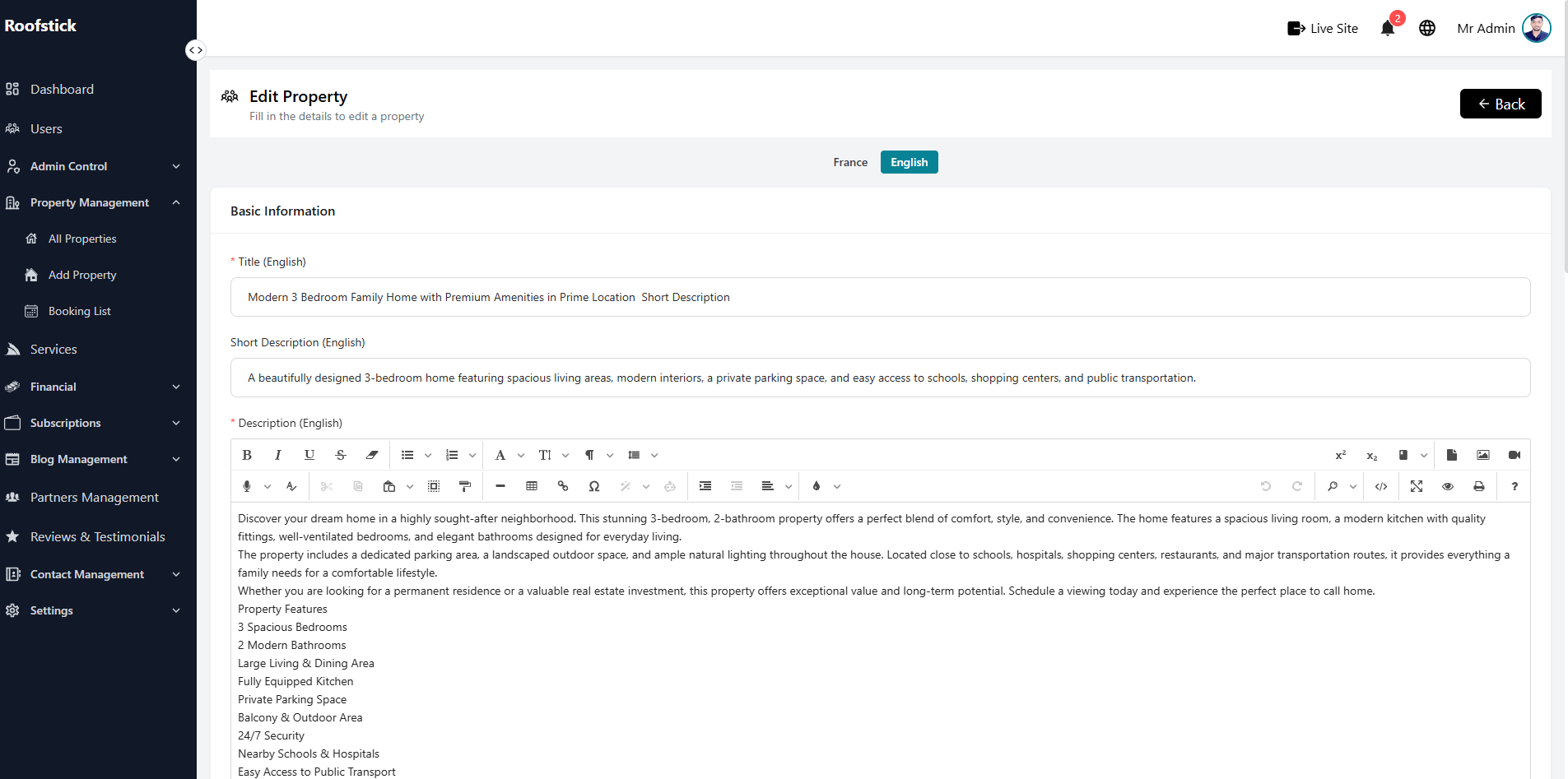
If you need to update any information about your property, click the Edit button. You can modify the title, description, price, features, and images.
3. Property Details
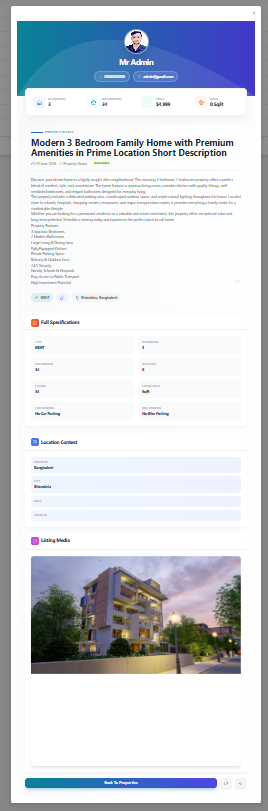
To view the full, comprehensive information about your specific listing, click the View Details button (eye icon). This will show you exactly how the property appears, including its images, amenities, and location map.
4. Delete Property
If you want to remove your property from the platform, you can permanently remove it by clicking the Delete button (trash icon).