Newsletter
The Newsletter page allows the admin to manage all the users who have subscribed to the platform's newsletter. From this section, the admin can view the list of subscribed email addresses and remove any subscribers if necessary.
1. View All Subscribers
The main table displays a complete list of all active newsletter subscribers. You can easily review the subscribed email addresses, the date they subscribed, and manage them through the action column.
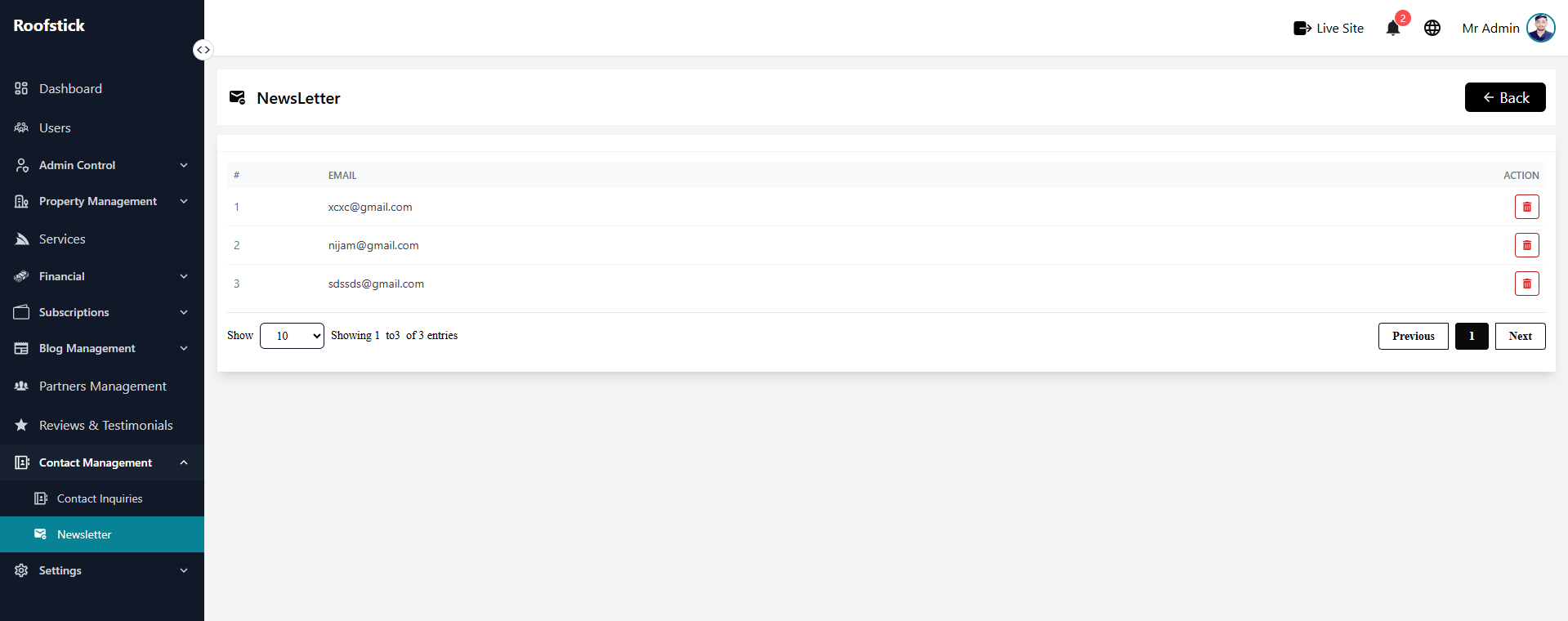
2. Delete Subscriber
If a user requests to be unsubscribed or an email address is invalid, the admin can permanently remove it by clicking the Delete button (trash icon). This will immediately remove the email from the newsletter mailing list.