General Settings
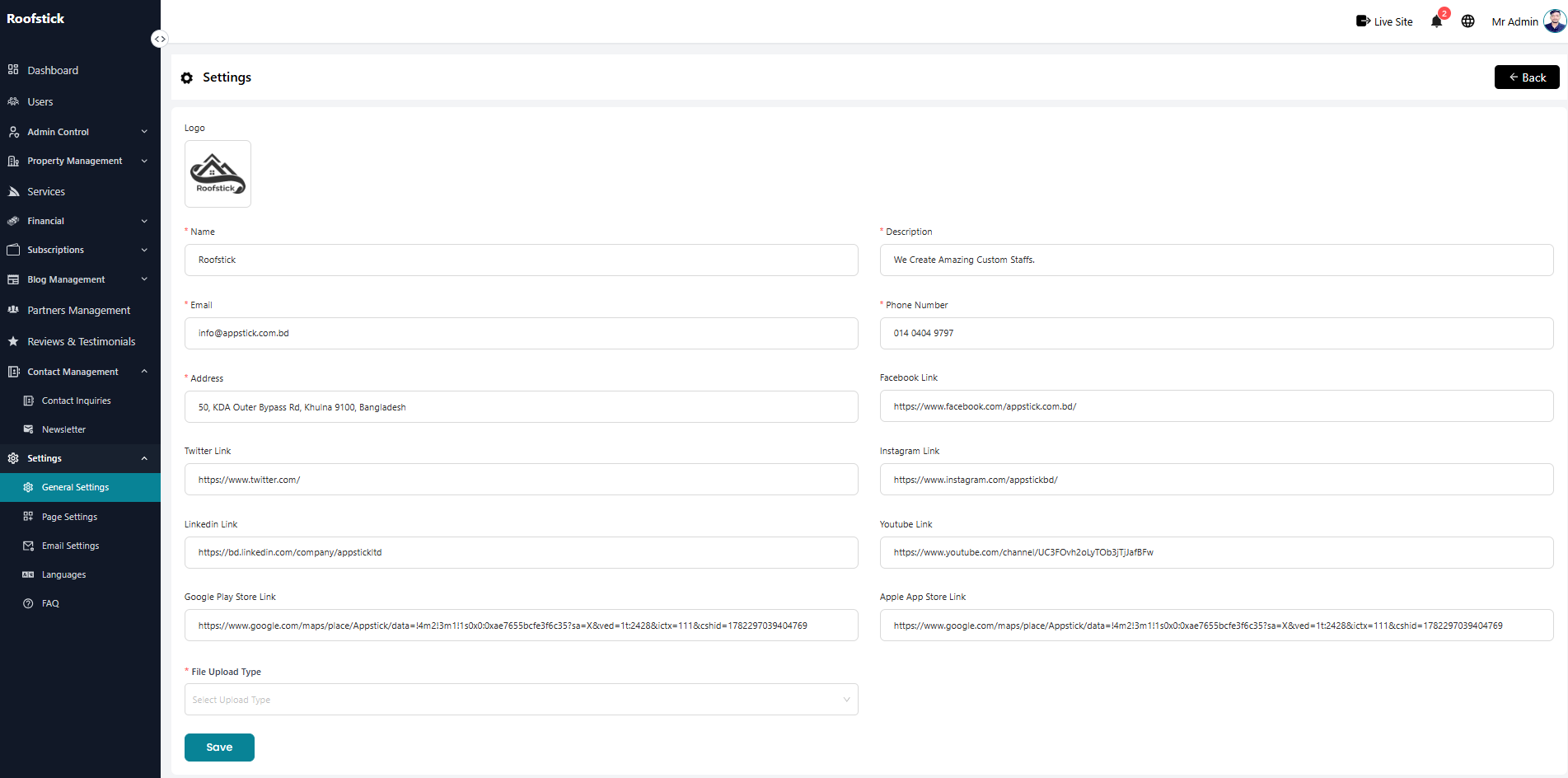
The General Settings page allows the admin to manage the core configurations of the platform. From this section, the admin can view and update essential details like the site name, logo, contact information, and other primary preferences.
1. View & Update Settings
The main panel displays all the active configurations for your platform. You can easily review the current settings and modify any fields as needed. Once you have made your changes, click the save button to instantly update the platform's configuration.