Email Settings
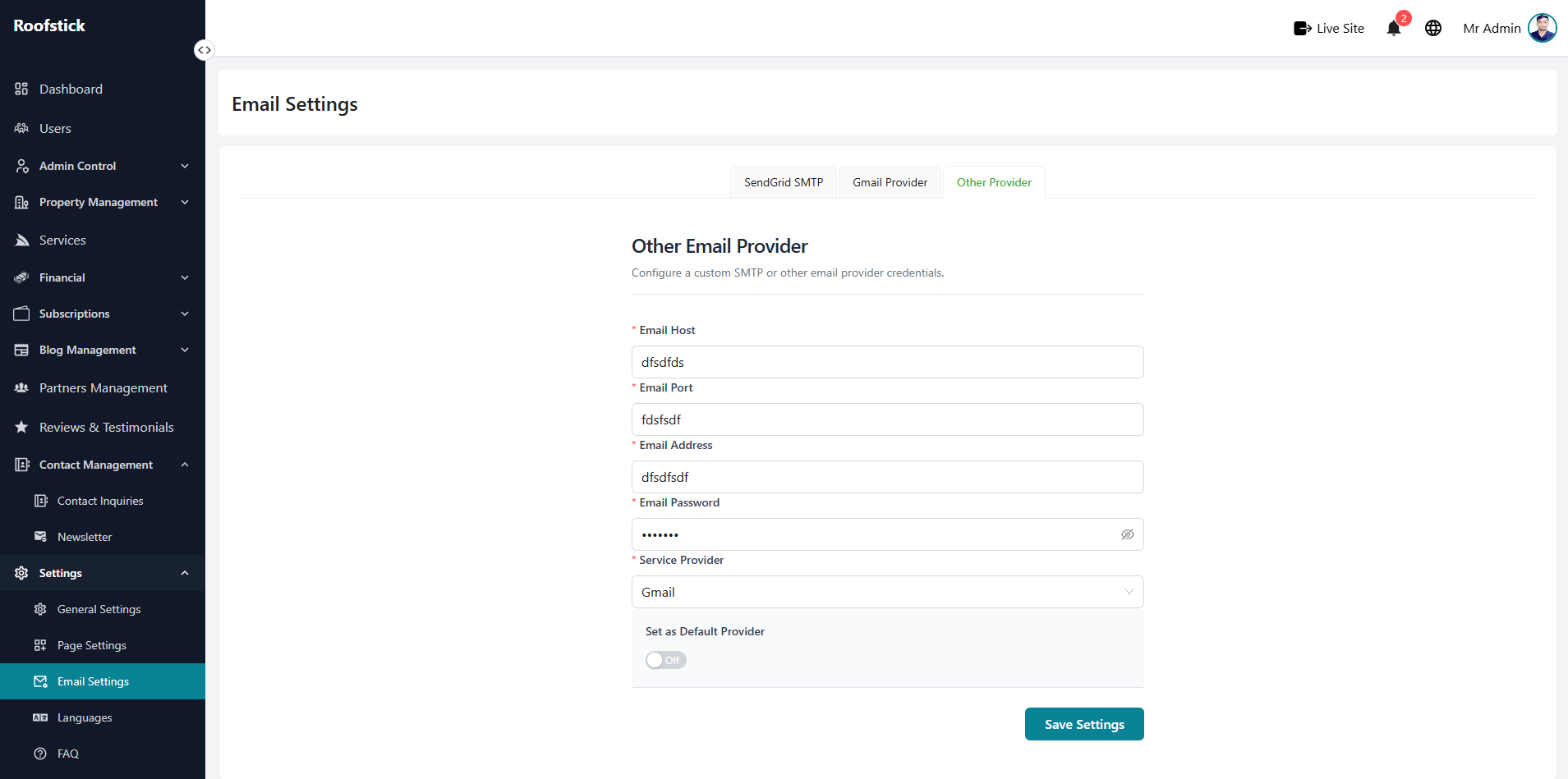
The Email Settings page allows the admin to configure and manage all email-related functionalities of the platform. From this section, the admin can set up SMTP credentials, customize global email templates, and manage other email options.
1. Configure Email Settings
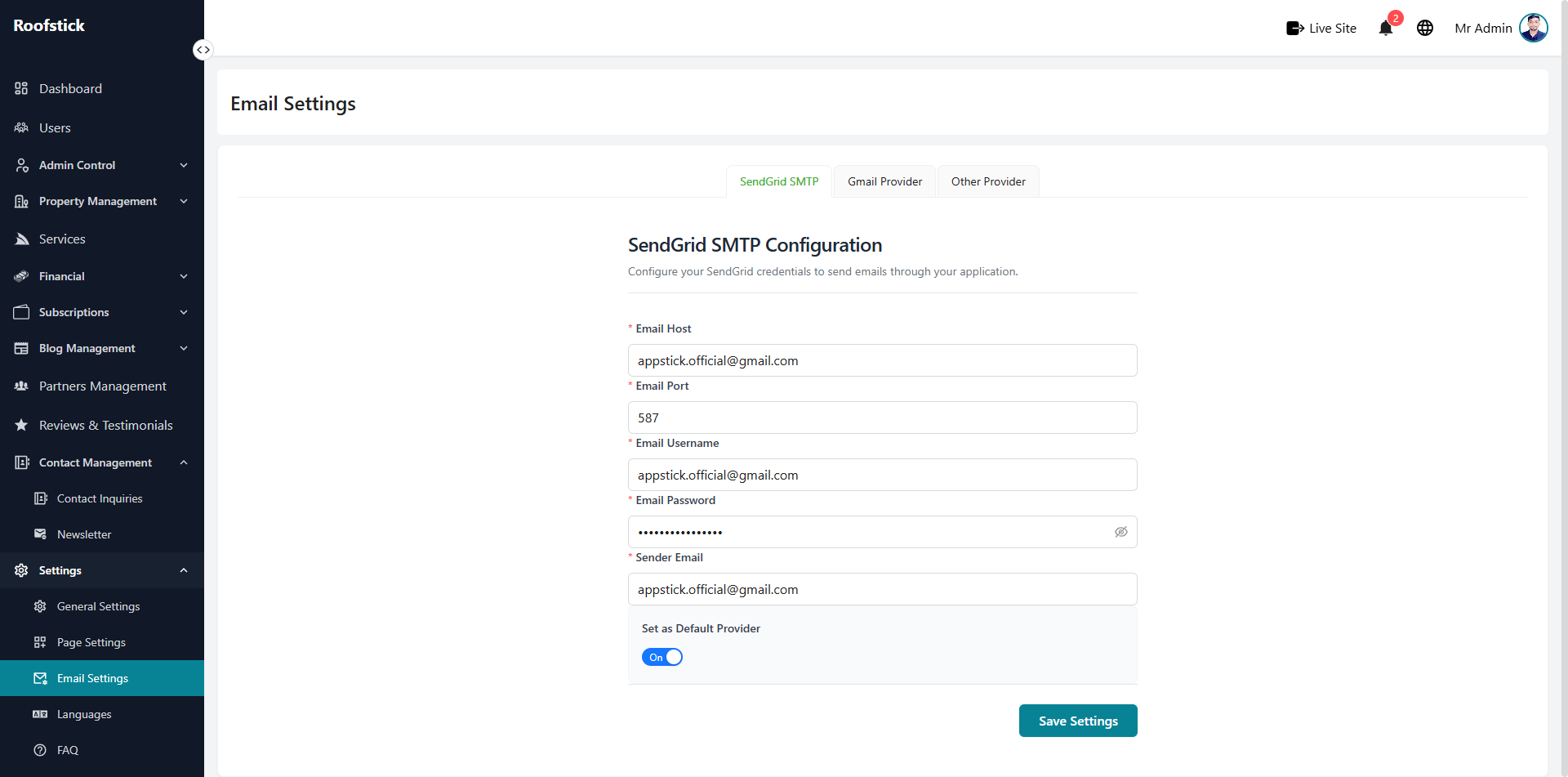
The main configuration panel allows you to set up the primary email server details. You can easily enter your SMTP host, port, username, and password to ensure the platform can send out emails reliably.
2. Global Email Templates
To maintain a consistent brand voice, use the Global Settings feature. Here you can customize the default headers, footers, and standard text that will appear across all outgoing system emails.
3. Other Email Options
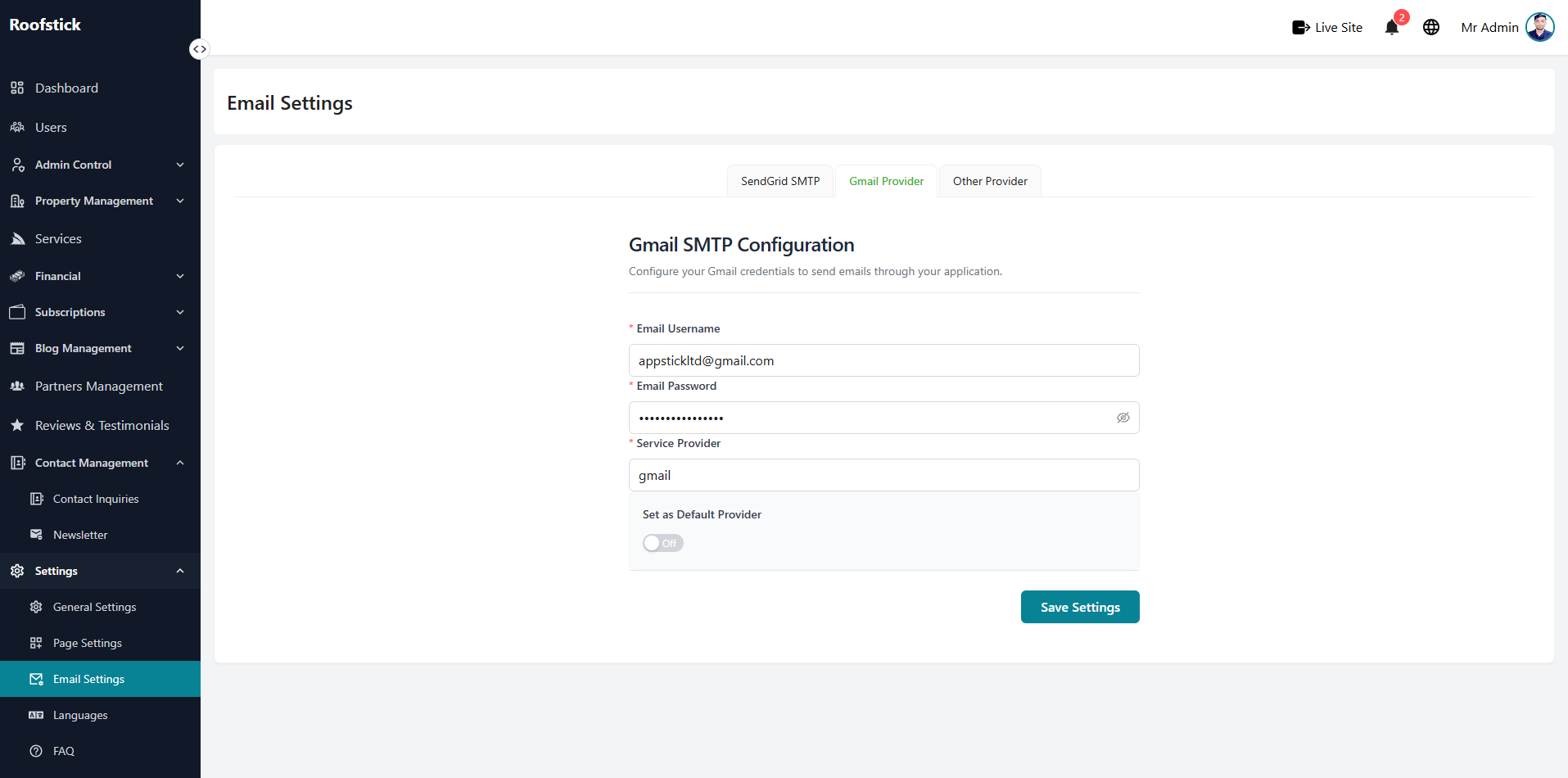
If you need to update specific email preferences or toggle notification settings, you can manage these from the additional options panel. Make your changes and save them to instantly update the email preferences.