Payment Methods
The Payment Methods page allows the admin to manage all the different ways users and agents can process transactions on the platform. From here, you can configure gateways like Stripe, PayPal, or manual bank transfers.
1. View All Payment Methods
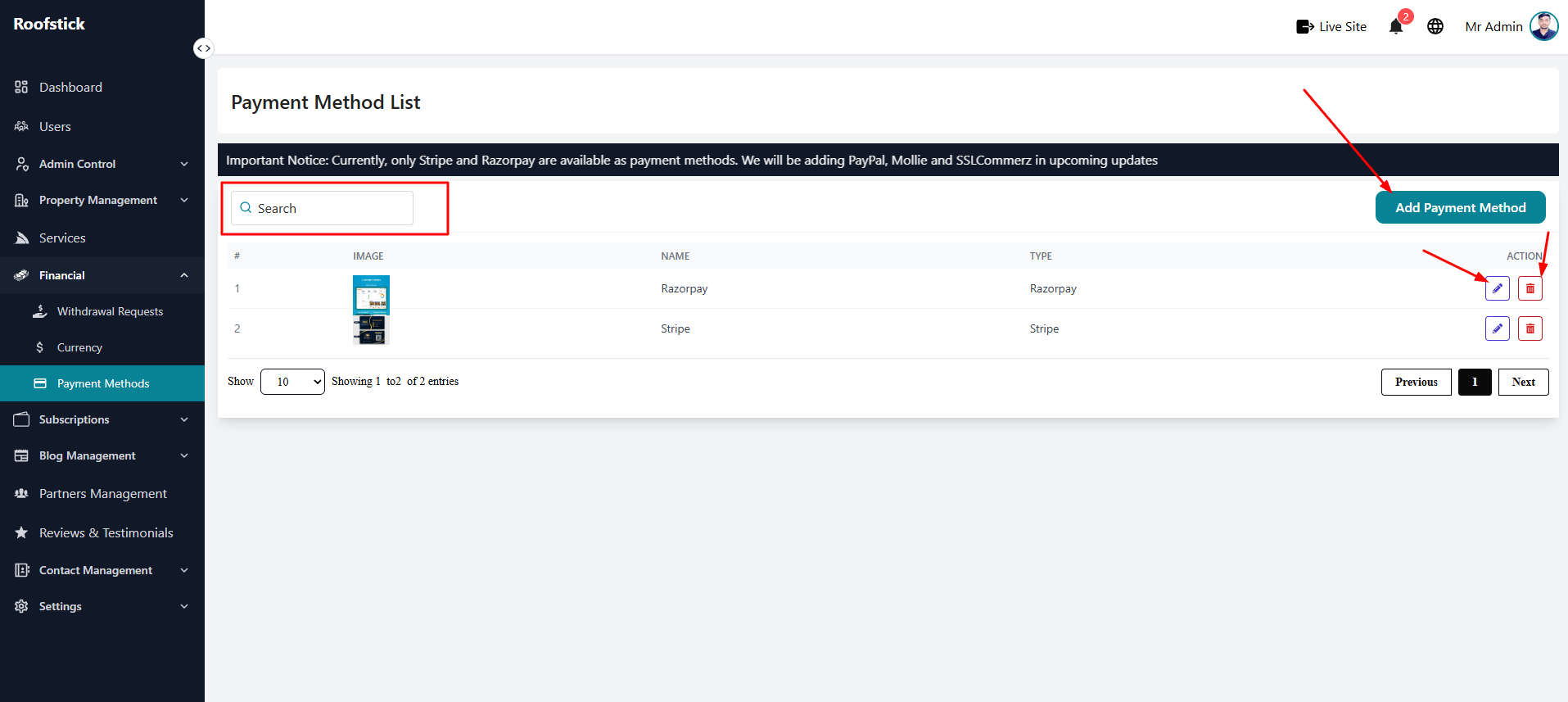
The main table displays all the payment methods currently integrated into your platform. You can quickly see the gateway name, the supported currency, and whether the payment method is currently active or disabled.
2. Add New Payment Method
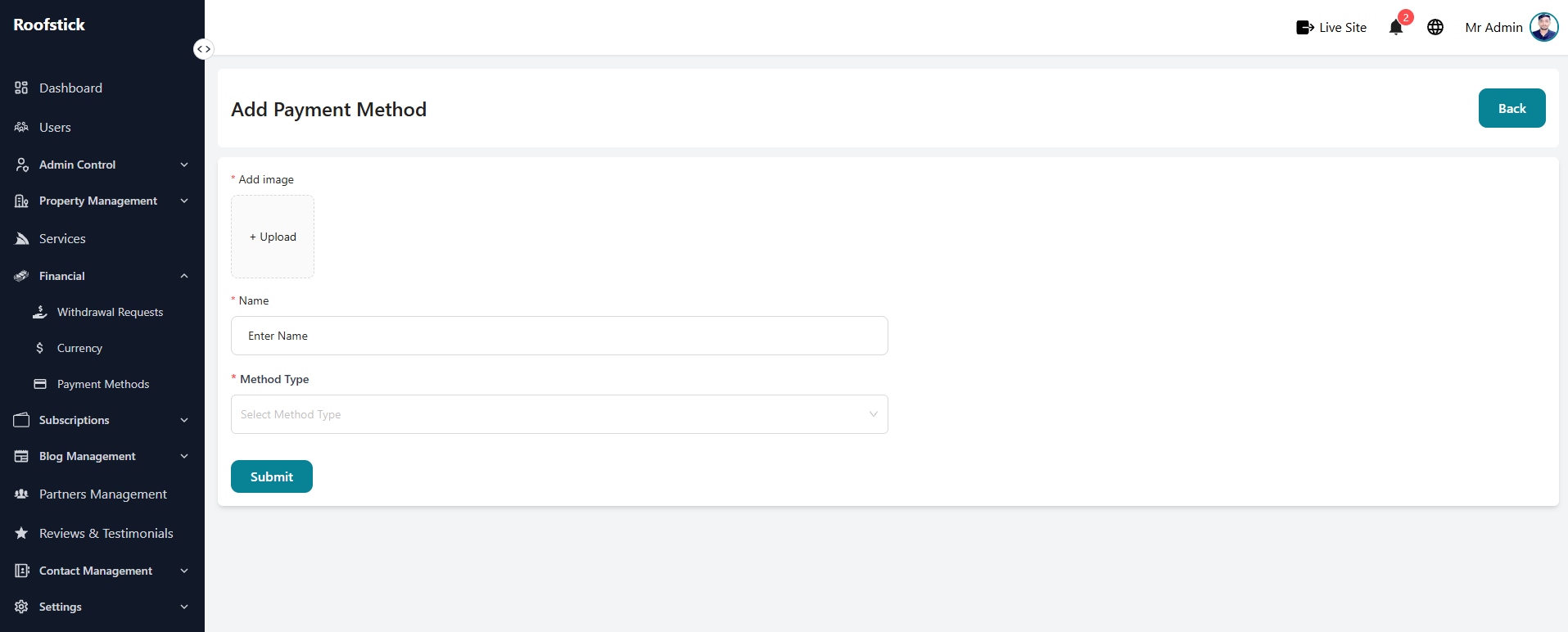
If you want to integrate a new payment gateway to offer more options to your users, click the Add Payment Method button. You will need to provide the gateway details, including API keys, secret keys, and configuration settings provided by the payment processor.
3. Edit Payment Method
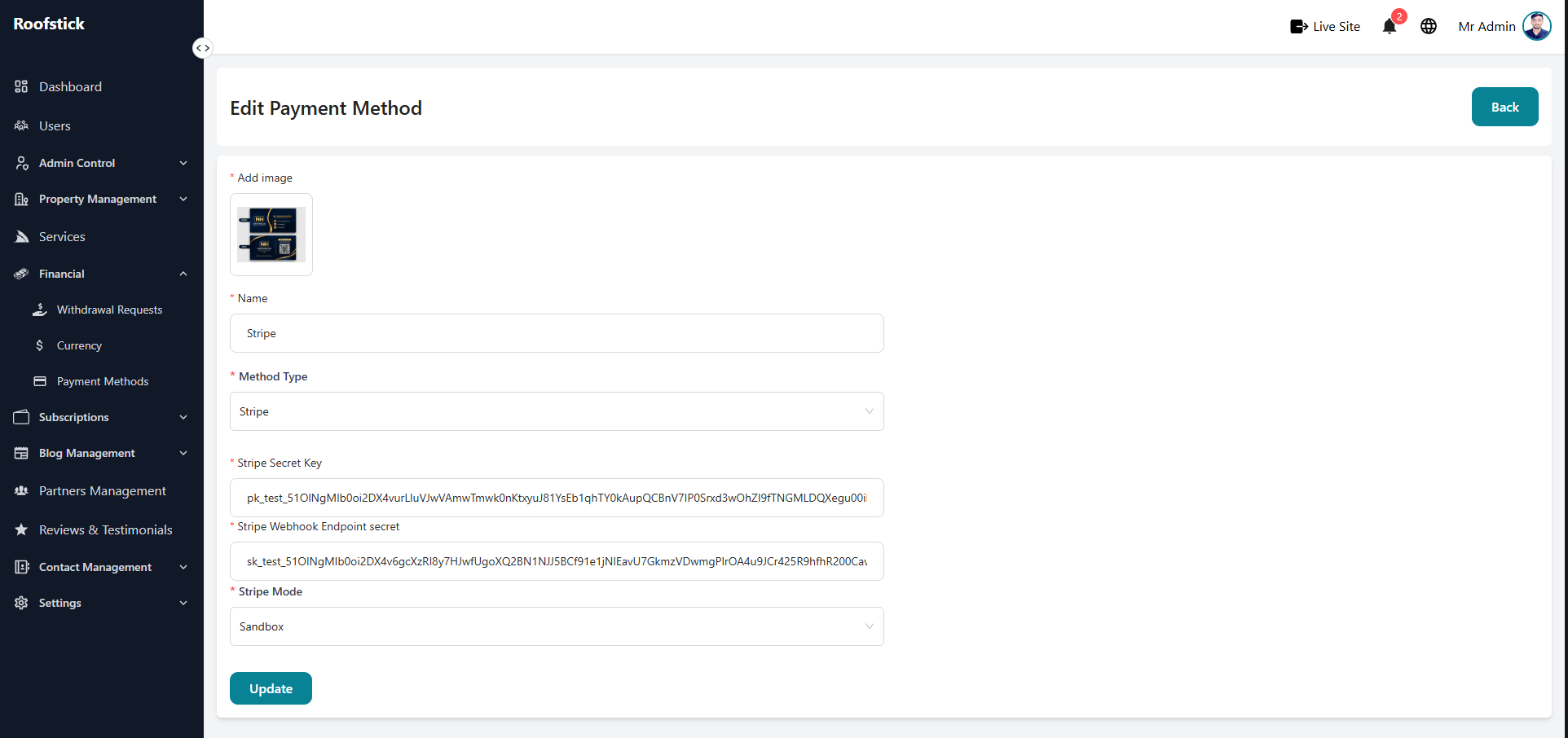
If you need to update your API keys, change the processing fee, or temporarily disable a payment gateway, click the Edit button in the action column. This ensures your financial transactions continue running smoothly without interruption.
4. Delete Payment Method
If you decide to completely stop supporting a specific payment gateway, you can remove it from the system entirely by clicking the Delete button (trash icon).