Blog Posts
The Blog Posts page allows the admin to write, manage, and publish articles for the platform. Maintaining an active blog helps with SEO, user engagement, and keeping your audience informed about real estate trends.
1. View All Blogs
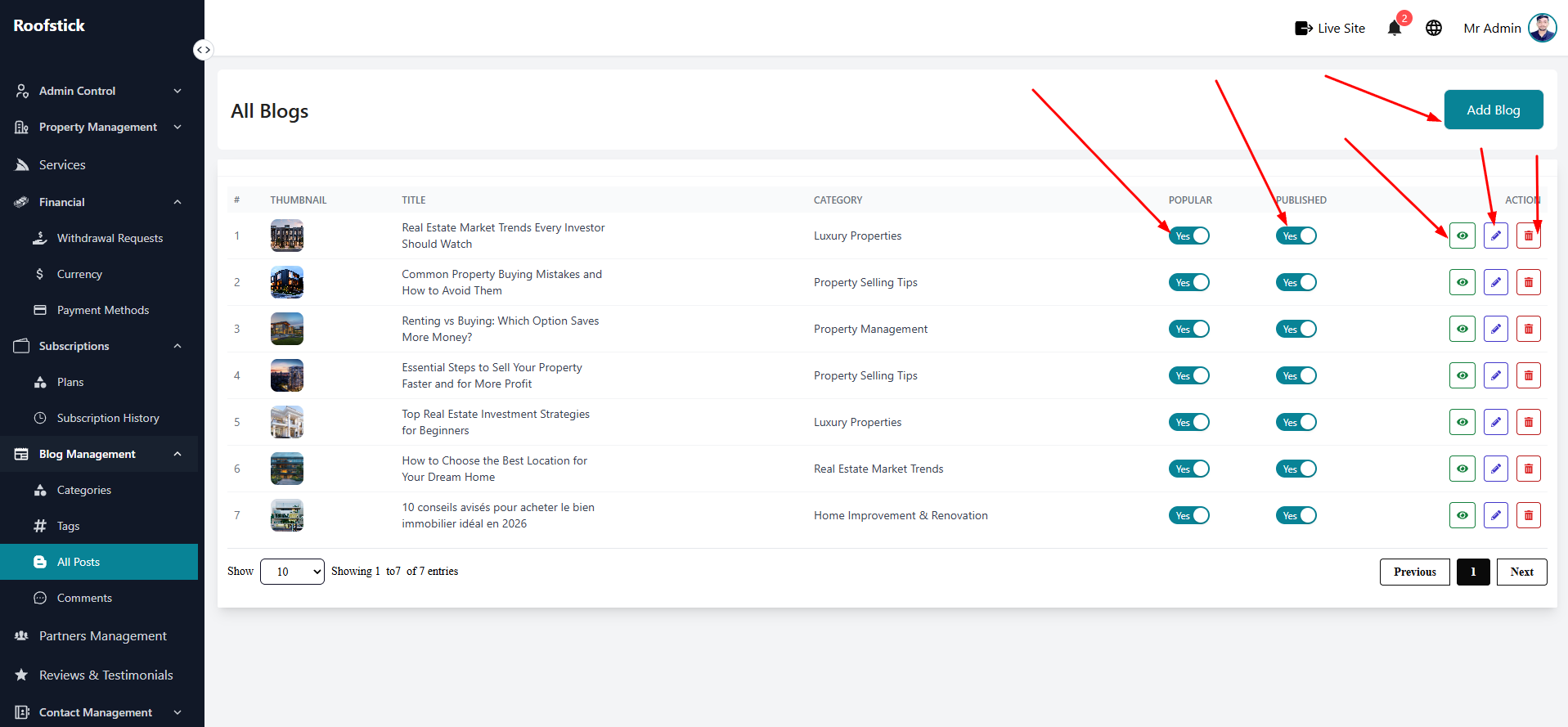
The main table displays a complete list of all published and drafted blog posts. You can quickly see the article title, category, author, and publication date from this section.
2. Add New Blog
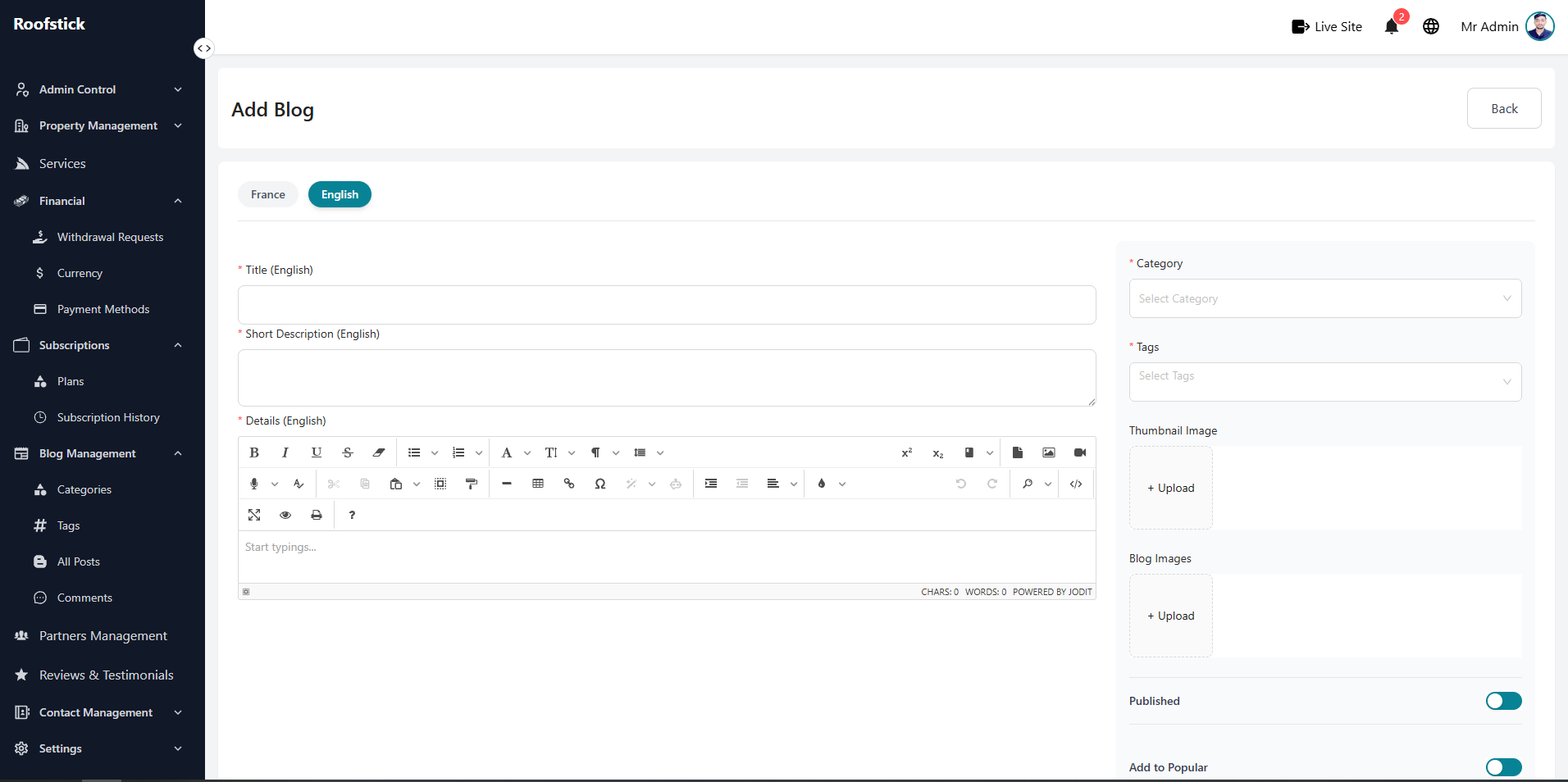
To write a new article, click the Add Blog button. You will be taken to a rich text editor where you can write the content, assign it to a category, add relevant tags, and upload a featured image.
3. Edit Blog
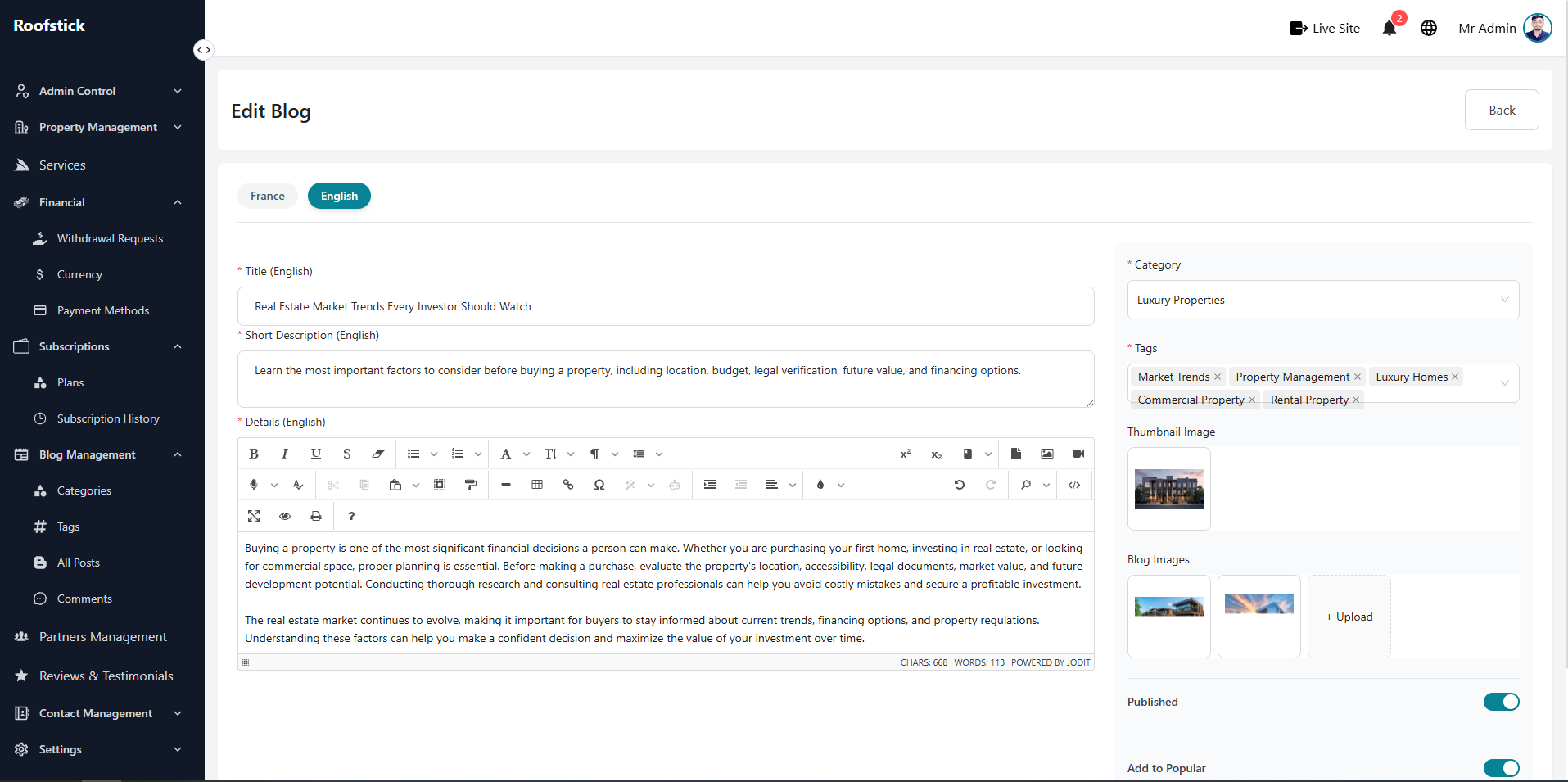
If you need to update an older article, fix a typo, or change the featured image, click the Edit button in the action column. Any changes you save will be instantly updated on the live blog.
4. Delete Blog
If an article is outdated or you no longer want it on your platform, you can permanently remove it by clicking the Delete button (trash icon).