Blog Comments
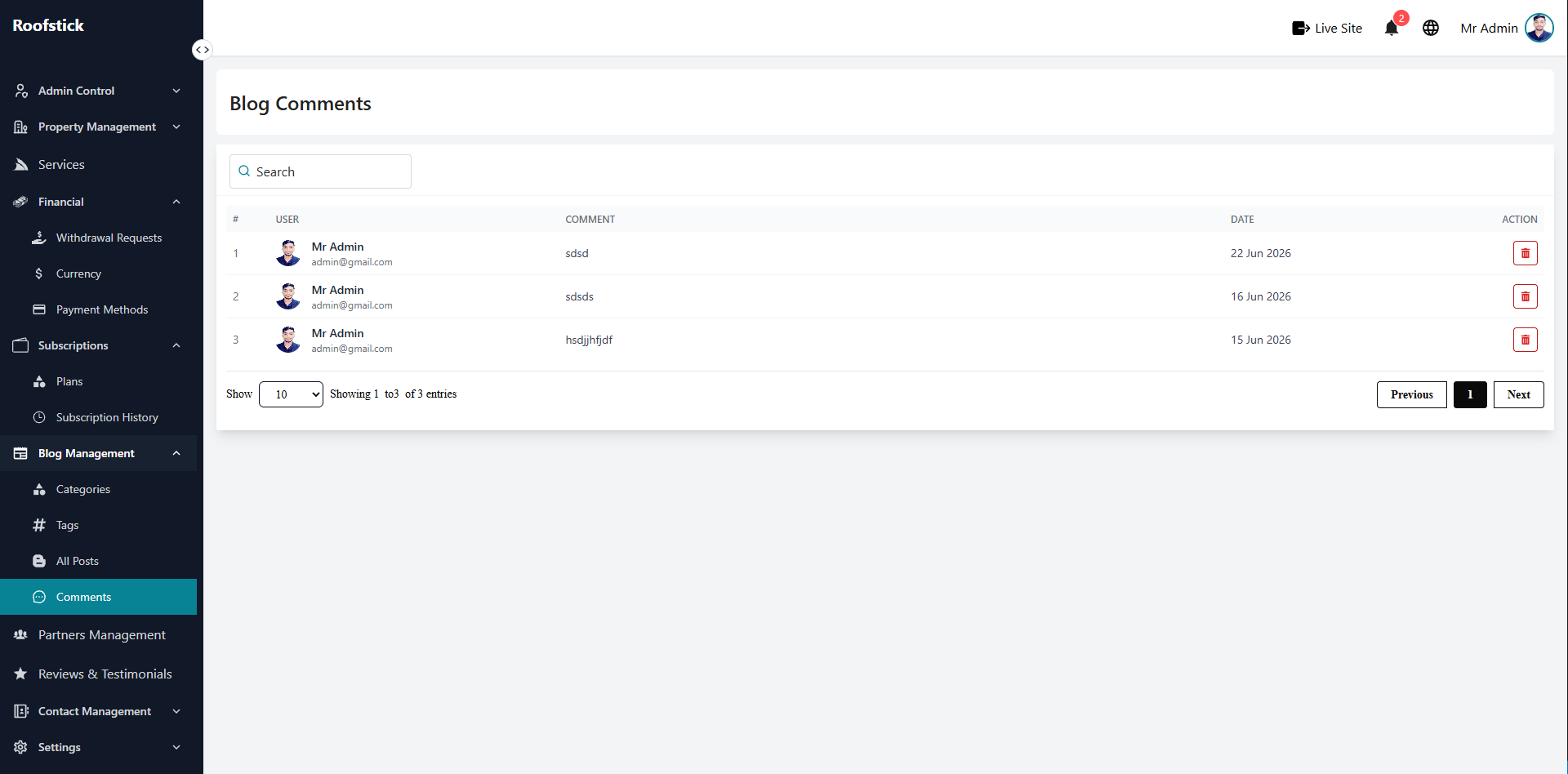
The Blog Comments page provides the admin with full oversight of user interactions on the platform's articles. Whenever a user leaves a comment on a blog post, it will appear here for the admin to monitor and moderate.
1. View Comments
The main table displays a list of all comments made by users across all blog posts. The admin can see exactly what was written, which user posted it, and which blog post the comment belongs to.
2. Delete Comment
If a user posts spam, offensive language, or a comment that violates platform guidelines, the admin has the authority to intervene. By clicking the Delete button (trash icon) next to a comment, the admin can permanently remove it from the blog post.